Create your journal
Sello lives on your phone: it holds the key that opens your private entries. Setting it up takes a minute.
Before you start: an Android phone with a screen lock (fingerprint, face or PIN). Sello uses it to keep your key safe.
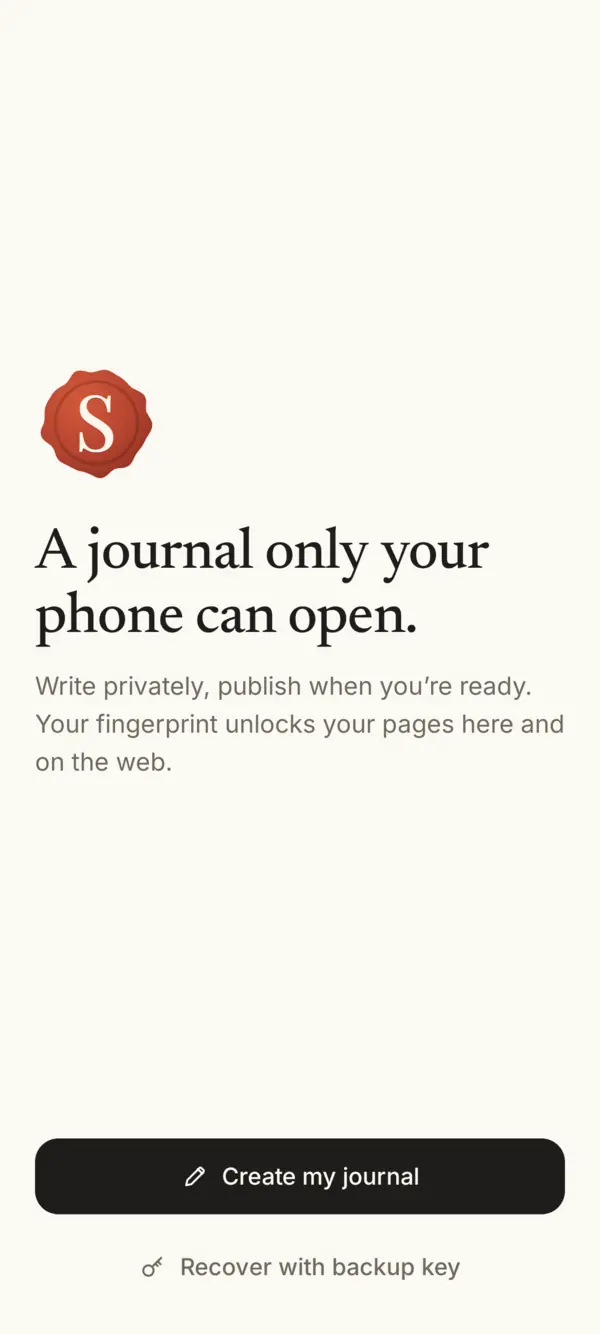
- Install Sello from Google Play and open it. Tap Create my journal.
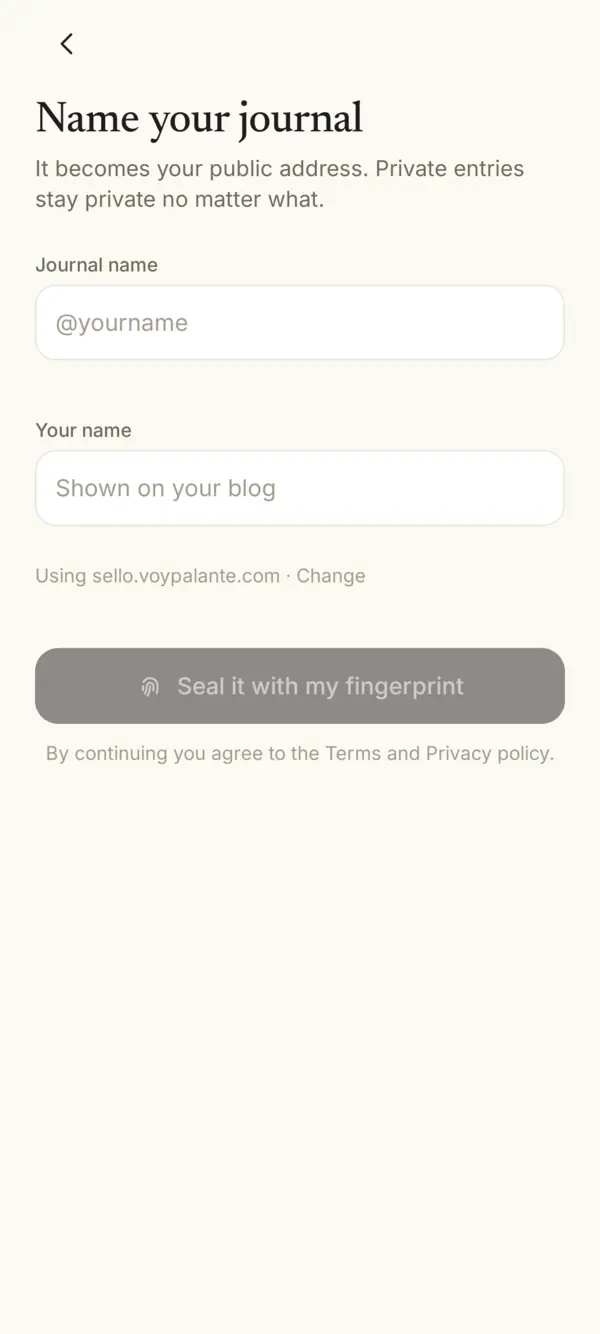
- Name your journal. The journal name becomes your public address, like
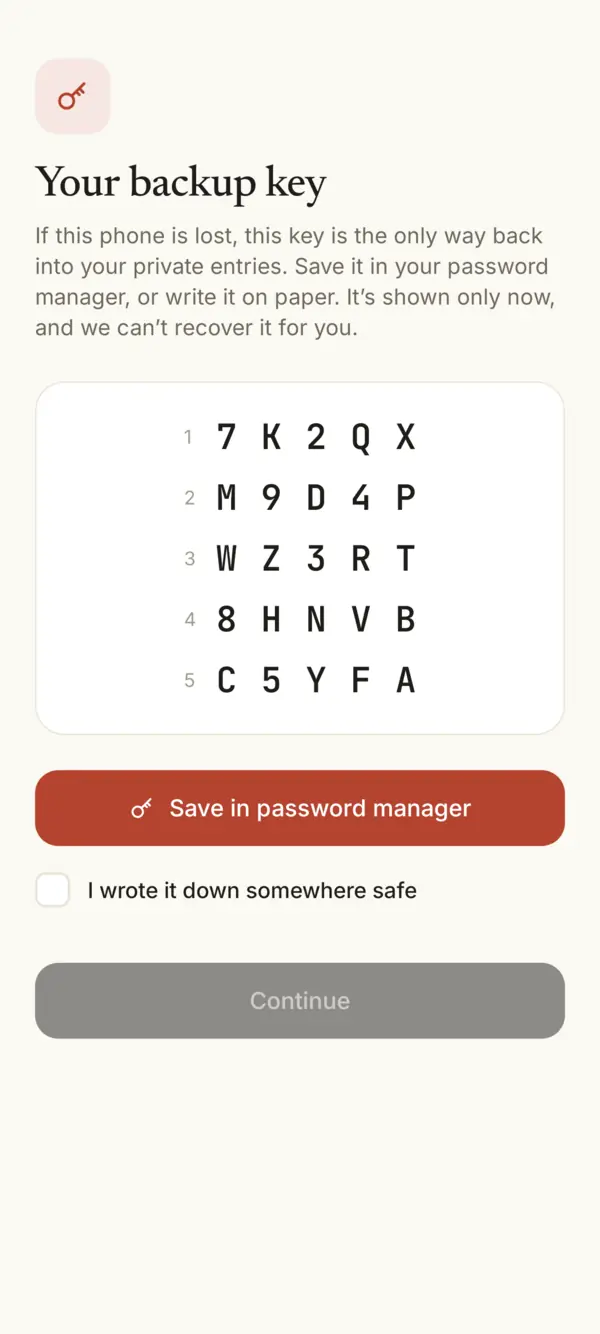
sello.voypalante.com/yourname. Your name is what readers see on your blog. Private entries stay private no matter what. Tap Seal it with my fingerprint. - Save your backup key. It’s the only way back into your private entries if you lose this phone. How to keep it safe.
- Start writing. Tap Write. Every entry is private until you choose to publish it.
On a computer
Once your journal exists, you can also write from a computer at sello.voypalante.com. Your phone approves each sign-in: compare the number on both screens before you approve.
Something missing or unclear? Write to us.